Rosters and shift cover for small businesses that run on shifts.
Build the week on one screen. When someone can't make a shift, your qualified staff are offered it and pick it up from their phones. Made for Australian cafes, bars, restaurants, events, cleaning, security and care.
Works in any browser, on any phone. Watch the 40 second recording
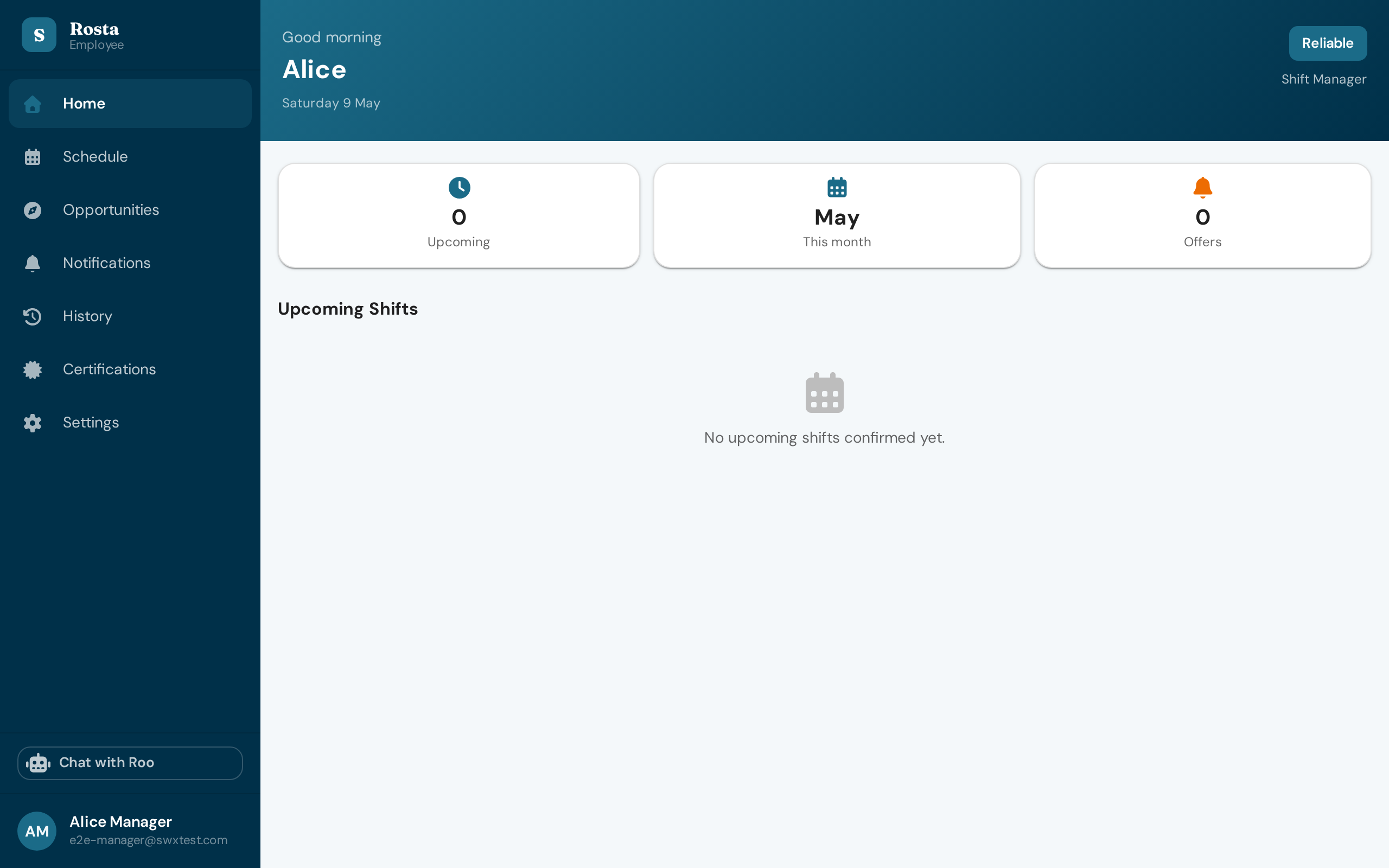
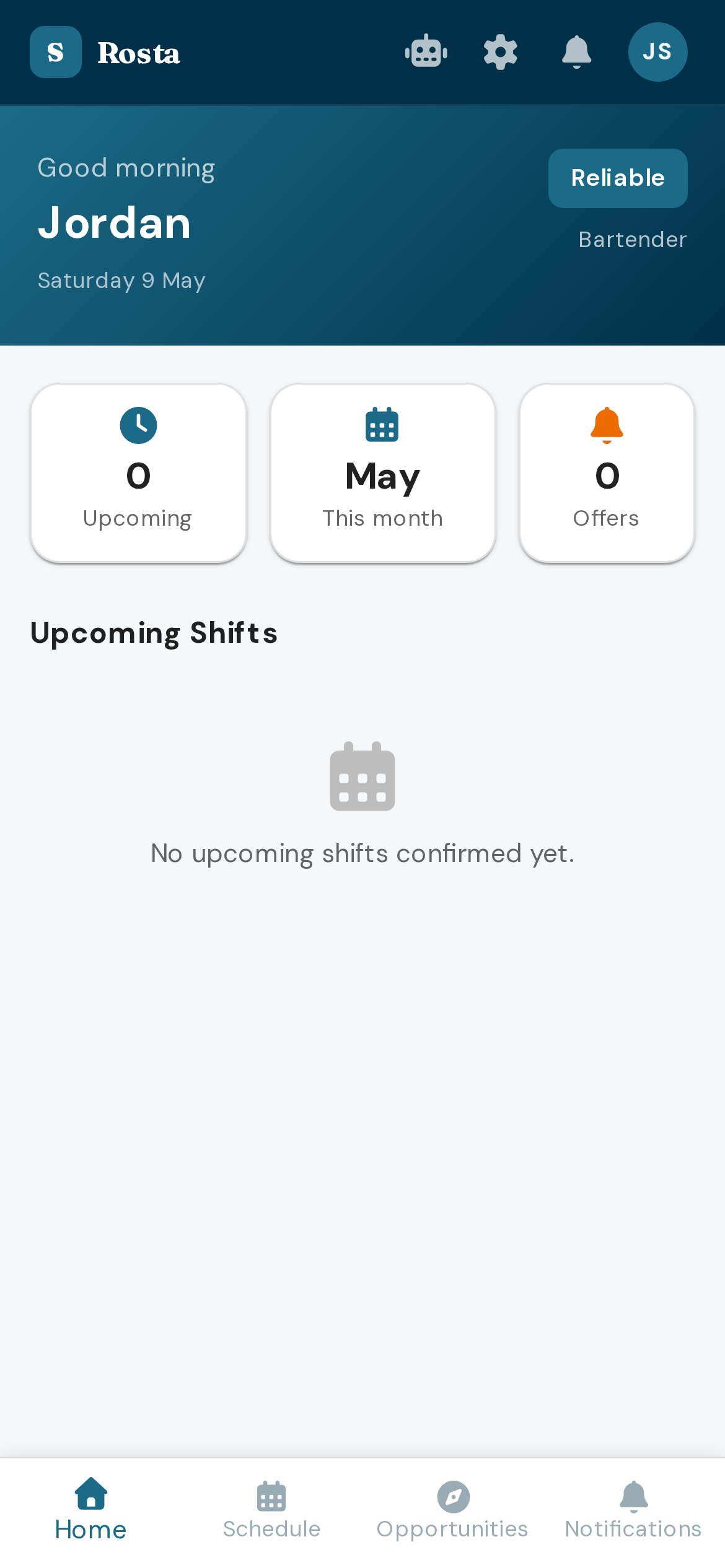
How cover works.
A staff member reports from their phone that they can't make a shift. Rosta takes them off it and offers it to the people who can do it, most reliable first. The first eligible person to accept is booked, and you see it filled.
The log shows one sick call from our demo business, with the times from the recording.
Barista
6:30 am to 12:30 pm
- 6:02:10 Sam reports sick from My Schedule on their phone.
- 6:02:11 Rosta starts asking. The standby pool first, then Elite staff. Reliable staff are asked from 5 minutes in, At-Risk staff from 20.
- 6:02:37 Mia taps Accept. Rosta runs its six checks, then books her. Availability, qualifications, weekly hours, rest, work rights, clashes.
- 6:02:37 Shift covered. Jordan, the manager, sees it filled.
Times from our demo recording: covered 27 seconds after Sam reported sick. How fast yours fills depends on who is free to say yes.
Who gets asked, and when.
Rosta doesn't message everyone at once. It works through your team in a set order, and each group is only asked if the shift is still open.
- Each offer stays open for 15 minutes. If someone doesn't answer, the search carries on.
- Tiers come from each person's record of turning up. Your staff see their own tier as a word, never a number.
- If nobody has taken it after an hour, Rosta tells you, and shows you who has been asked and who said no.
Six checks before anyone is booked.
Tapping Accept isn't the end of it. Rosta runs these checks, in this order, before the shift is theirs.
Rosta checks the limits; it doesn't set them. Hours caps and rest periods come from your award or agreement.
-
Availability
Are they available at that time?
-
Qualifications
Do they hold what the shift needs, such as RSA or food safety, if you have tagged it?
-
Weekly hours
Would this shift push them over their weekly hours cap?
-
Rest
Would they get at least 10 hours between this shift and the one before or after?
-
Work rights
Do they have the right to work?
-
Clashes
Are they already booked at another business on Rosta at the same time?
If two people tap Accept within a second of each other, only one of them gets it. The other is told the shift was just taken. Nobody is double-booked.
Watch it happen on the real app.
Short recordings of the real app, made against a demo business: what you and your staff will see.
It does the ordinary rostering too.
Cover is the part people notice. The rest is the week you were going to build anyway.
Set up in one sitting
Six questions the first time you sign in turn your opening hours into four weeks of draft shifts. Nothing is offered to anyone until you publish.
Invite your team
Paste email addresses, import a spreadsheet of your staff, or share a join code or QR code.
Build a week on one screen
Add shifts to the week board: the role, the hours and how many people each needs. Publish one shift or the whole week.
Public holidays
See your state's public holidays and untick the days you are closed. Rosta keeps shifts off them.
Standby pool
Keep a short list of people who are asked first, before any tier.
Swaps
Swap requests come to you to approve or decline, and Rosta checks eligibility again before anything changes.
Ask Roo
Ask the built-in assistant which shifts are still open or who could cover Saturday. It asks you to confirm before it does anything.
Advertise a shift
When your own team cannot cover it, post the shift on the marketplace with the rate and suburb, and choose from the people who apply.
For your staff, it's one tap.
An offer shows the role, the day and the hours, with Accept and Decline and a countdown. If they have notifications on, it reaches their phone; if not, it waits for them in the app.
- Declining an offer costs them nothing.
- They see their own tier as a word, such as Elite or Reliable. They never see a number.
- The people who turn up are offered extra hours first.
Made for small places that run on shifts.
- Cafes
- Bars
- Restaurants
- Events
- Cleaning
- Security
- Care
There are no industry settings to learn. You tag a shift with what it needs, such as RSA, a first aid certificate or a security licence, and only people who hold it can take the shift.

Try it on a test shift.
Set up your business, put a few shifts on the roster, then report an absence on one and watch the search run.